Lakshmanan G
October 22, 2026
October 22, 2026
Manufacturing companies are increasingly running applications, analytics platforms, IoT workloads, production dashboards, and business systems on cloud infrastructure.
But as cloud environments grow, another problem appears.
Infrastructure changes that once took hours can become a recurring bottleneck.
A development team needs a new environment. An operations team needs additional compute. A production application requires a networking change. A new manufacturing facility needs the same cloud environment as an existing plant.
If engineers have to manually configure each resource every time, deployments become slower, harder to reproduce, and more prone to configuration errors.
This is where Infrastructure as Code (IaC) and Terraform can change the deployment process.
Instead of manually building cloud infrastructure, teams define the desired infrastructure in code and use automation to create, modify, and maintain it consistently.
For manufacturing organizations, the benefit is not simply “automation.”
It is the ability to make infrastructure changes faster while maintaining consistency across development, testing, production, and plant environments.
Consider a manufacturing company operating several production facilities.
Each plant may require:
If these environments are configured manually, differences inevitably appear.
One environment may have a firewall rule that another does not.
One database may use a different configuration.
A monitoring policy may be missing from a newly deployed environment.
An engineer may remember a configuration change that was never documented.
These differences create what is often called configuration drift.
Over time, the infrastructure stops being predictable.
Terraform addresses this by allowing infrastructure configuration to be represented as code and managed through a repeatable deployment process.
Terraform should not be viewed as a replacement for DevOps.
It becomes one component of a broader automation workflow.
A typical process looks like:
Developer/Operations Change
↓
Terraform Code
↓
Version Control
↓
Code Review
↓
Terraform Plan
↓
Approval
↓
Terraform Apply
↓
Cloud Infrastructure
↓
Monitoring & Validation
This creates a traceable path from an infrastructure change to the actual resources deployed in the cloud.
Instead of asking:
“Who changed this infrastructure?”
the team can look at the code repository and deployment history.
The first step is to convert manually configured infrastructure into Terraform-managed resources.
For example, instead of manually creating a cloud network, the configuration can define:
The infrastructure definition becomes part of the organization’s software development process.
This means infrastructure can be reviewed, versioned, tested, and reproduced.
The practical benefit is significant when a manufacturing company needs to create similar environments repeatedly.
Manufacturing organizations often have infrastructure patterns that repeat.
For example, every production environment may require:
Network + Security + Compute + Monitoring + Database
Instead of writing the same Terraform configuration repeatedly, teams can create reusable modules.
A module might represent:
Then a new environment can consume the same module with different variables.
For example:
Plant A → Production Module
Plant B → Production Module
Plant C → Production Module
The underlying architecture remains consistent while environment-specific values change.
This is where Terraform starts creating significant operational leverage.
A common deployment problem is the difference between environments.
An application works in development but behaves differently in production because the infrastructure is not configured the same way.
Terraform can reduce this problem by using the same infrastructure definitions across environments.
For example:
| Environment | Purpose | Terraform Configuration |
| Development | Engineering | Standard module |
| Testing | QA and validation | Standard module |
| Staging | Production simulation | Standard module |
| Production | Live workload | Standard module |
Variables can control environment-specific requirements such as:
The architecture stays consistent while capacity changes according to the workload.
Terraform becomes much more powerful when infrastructure changes are integrated into the CI/CD pipeline.
Instead of an engineer running Terraform manually from a laptop, infrastructure changes can go through an automated workflow.
A typical pipeline can be:
Git Commit
→
Terraform Format Check
→
Terraform Validation
→
Security Scan
→
Terraform Plan
→
Code Review
→
Approval
→
Terraform Apply
This provides a controlled mechanism for infrastructure changes.
It also reduces the risk of someone making an undocumented production change directly through a cloud console.
One of Terraform’s most useful capabilities is the ability to show what will change before applying it.
Before deployment, the team can review whether Terraform intends to:
This is particularly important for production manufacturing workloads.
An infrastructure change that accidentally destroys a production database or removes a critical network dependency can have consequences far beyond IT.
The plan therefore becomes a control point.
A useful production rule is:
No infrastructure change should reach production without someone reviewing what Terraform intends to change.
Manufacturing environments require a different mindset from a typical development application.
Some workloads support production operations, plant monitoring, analytics, supply-chain systems, or other business-critical functions.
Infrastructure automation should therefore include safeguards.
For example:
Automation should reduce human error, not automate human mistakes faster.
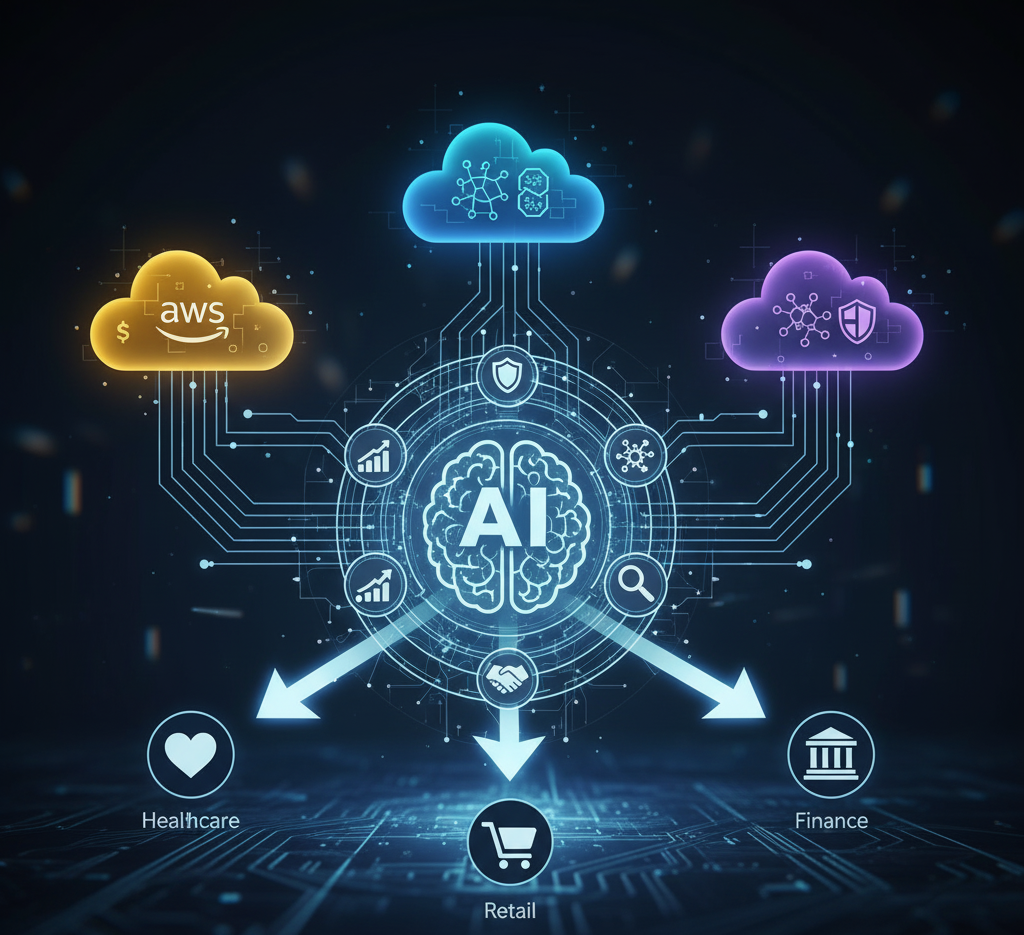
Many manufacturing organizations operate hybrid or multi-cloud environments.
They may have workloads distributed across AWS, Azure, or other infrastructure because of existing applications, acquisitions, customer requirements, or operational needs.
Terraform can provide a common Infrastructure as Code workflow across different cloud platforms.
The organization can manage infrastructure through a consistent process even though the underlying cloud services differ.
For example:
AWS Production
Azure Analytics
Cloud Development
can all follow the same basic workflow:
Code → Review → Plan → Approve → Deploy → Monitor
The actual Terraform resources differ by provider, but the operating model remains consistent.
Infrastructure automation should include security from the beginning.
Instead of relying on engineers to remember security settings during every deployment, security requirements can be incorporated into Terraform modules and policies.
For example, a standard production module could require:
This creates a repeatable security baseline.
When a new manufacturing environment is created, those controls are deployed with the infrastructure instead of being added manually afterward.
Configuration drift occurs when the actual infrastructure differs from the configuration defined in code.
For example:
Terraform says:
Database backup retention = 30 days
But someone manually changes the production database to:
Backup retention = 7 days
The infrastructure now differs from the intended configuration.
Regular Terraform workflows can help identify these differences.
The broader principle is:
Infrastructure should have a known desired state, and the organization should be able to detect when reality deviates from it.
This becomes increasingly important as the number of environments increases.
Terraform needs to maintain information about the infrastructure it manages.
This information is stored in the Terraform state.
For a production organization, state should not simply sit on an engineer’s laptop.
A proper remote-state architecture should provide:
The exact implementation depends on the cloud platform and Terraform architecture being used.
State also needs to be treated as sensitive infrastructure information because it can contain resource details and, depending on configuration, sensitive values.
If the objective is to reduce deployment time, measure it.
Before implementing Terraform, record the existing process.
For example:
Manual environment provisioning: 6 hours
After automation:
Terraform-based provisioning: 30 minutes
The improvement is not just technical.
Engineers recover several hours that can be used for application development, operational improvements, testing, or manufacturing-specific initiatives.
Useful DevOps metrics include:
These metrics demonstrate whether automation is actually improving operations.
The biggest opportunity often appears when an organization needs to replicate infrastructure.
Imagine a company deploying the same digital platform across ten manufacturing facilities.
Without Infrastructure as Code:
Plant 1 → Manual setup
Plant 2 → Manual setup
Plant 3 → Manual setup
and so on.
With reusable Terraform modules:
Approved Infrastructure Module
↓
Plant 1
Plant 2
Plant 3
Plant 4
The deployment process becomes repeatable.
The team can still customize variables for each location, but the core infrastructure architecture remains standardized.
This is particularly useful when companies are expanding operations, onboarding new facilities, or creating standardized cloud environments for business units.
A mature implementation can follow this workflow:
Infrastructure requirements are written as Terraform code.
Terraform configuration is validated automatically.
Security and policy checks identify potentially unsafe configurations.
Terraform generates the proposed infrastructure changes.
Engineers review the changes through version control.
Production changes require appropriate authorization.
Terraform deploys the approved infrastructure.
Monitoring and automated checks confirm that the environment is functioning correctly.
The environment is continuously checked for configuration and operational issues.
This creates a controlled infrastructure lifecycle rather than a collection of manual cloud-console activities.
Not every infrastructure component needs to be automated on day one.
Start with resources that are:
For many manufacturing organizations, a practical starting point is:
Networking → Compute → Databases → Security Baseline → Monitoring → Backup
Once these components are stable, more complex infrastructure can be brought under Terraform management.
Terraform itself does not guarantee a good infrastructure architecture.
Several mistakes can reduce its benefits.
The objective should be continuous infrastructure management, not simply using Terraform once to create resources.
Large, tightly coupled configurations can become difficult to maintain.
Reusable modules and clear environment boundaries are generally easier to manage.
If engineers can bypass Terraform and modify production directly, configuration drift becomes inevitable.
Terraform state should be treated as sensitive infrastructure data.
Fully automated deployment without appropriate validation can make destructive changes faster.
Reusable modules are generally preferable to maintaining many independently copied configurations.
For manufacturing organizations, the value of Terraform is not measured by how much Terraform code the engineering team writes.
It is measured by what happens to the deployment process.
A manual process might look like:
Request → Engineer → Manual Configuration → Testing → Corrections → Deployment
An automated process can become:
Request → Code → Review → Automated Deployment → Validation
That difference becomes increasingly valuable as the organization grows.
Infrastructure becomes easier to reproduce.
Deployments become more predictable.
Configuration differences become easier to identify.
New environments can be created faster.
And engineers spend less time performing repetitive infrastructure tasks.
Before introducing Terraform into a manufacturing environment, verify:
| Area | Check |
| Infrastructure | Are production resources defined as code? |
| Modules | Are repeated infrastructure patterns reusable? |
| Environments | Are development, testing, and production separated? |
| CI/CD | Are Terraform changes integrated into the deployment pipeline? |
| Review | Are infrastructure changes peer-reviewed? |
| Security | Are security controls built into the infrastructure definitions? |
| State | Is Terraform state stored securely and centrally? |
| Access | Are production deployment permissions restricted? |
| Drift | Can configuration differences be detected? |
| Recovery | Can infrastructure be recreated if necessary? |
| Monitoring | Are deployments automatically validated? |
| Metrics | Is deployment-time improvement being measured? |
Manufacturing companies are already automating production lines, logistics, quality control, and business processes.
Cloud infrastructure should not remain a manual process while the rest of the organization becomes automated.
Terraform provides a way to bring the same principles to infrastructure:
Standardize → Automate → Review → Deploy → Monitor → Improve
The goal is not to eliminate engineers from infrastructure management.
It is to eliminate repetitive work and make infrastructure changes predictable.
For manufacturing organizations running cloud-based applications and data platforms, this can mean faster environment provisioning, fewer configuration inconsistencies, more controlled deployments, and a stronger foundation for scaling cloud operations.
The real advantage of Infrastructure as Code is simple:
Build the infrastructure once as a repeatable pattern, then stop rebuilding it manually every time.