Transcloud
August 27, 2026
August 27, 2026
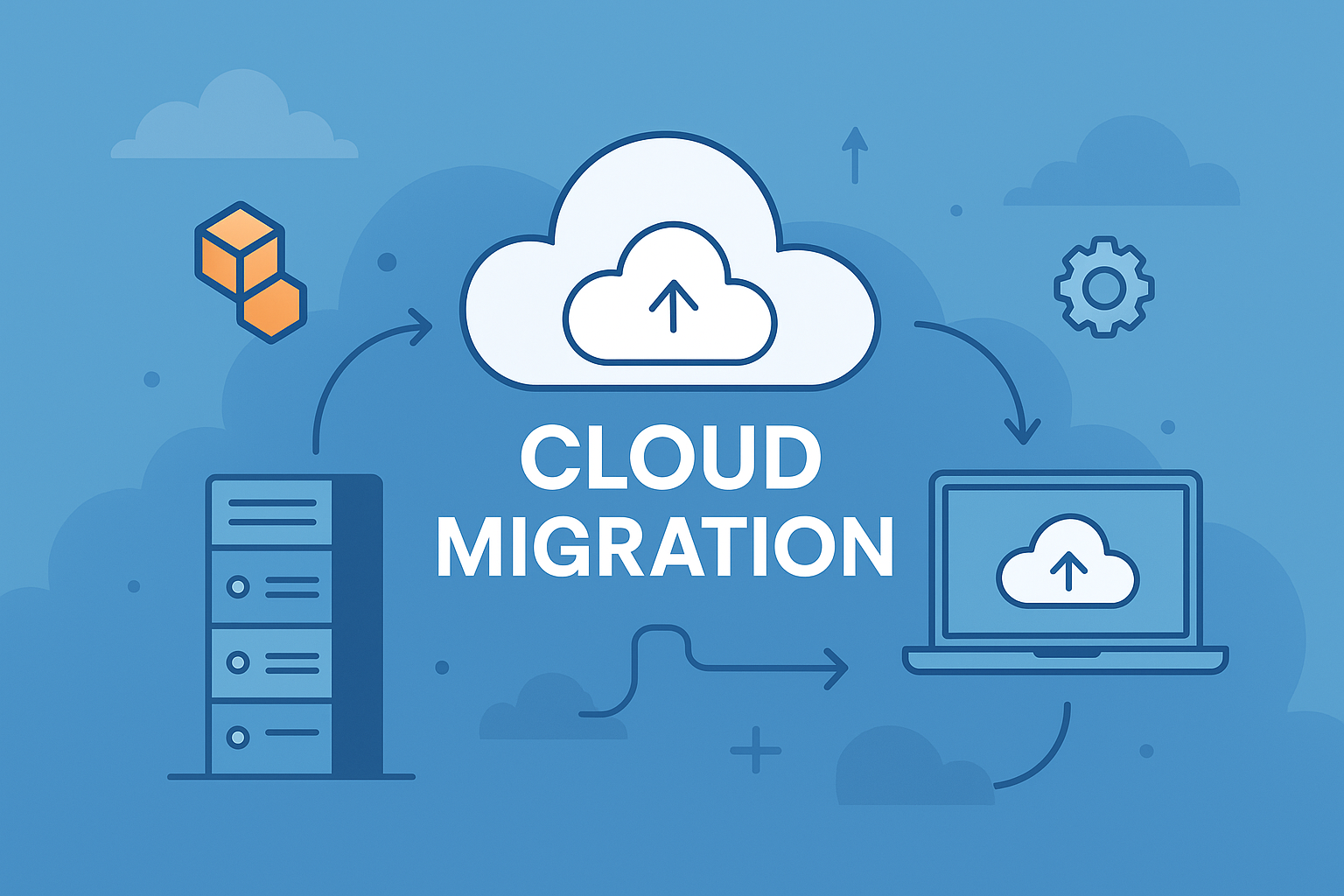
For many enterprises in Chennai, moving from on-premise infrastructure to AWS is no longer just a technology decision.
Legacy infrastructure, growing application demands, disaster recovery requirements, rising hardware maintenance costs, and the need to support faster digital initiatives are all pushing organizations to reconsider how their IT environments are managed.
But cloud migration does not need to mean moving everything at once.
A structured 90-day roadmap can help organizations assess their existing environment, migrate suitable workloads, and establish the operational foundation needed to run successfully on AWS.
This guide outlines a practical three-phase roadmap for Chennai enterprises planning an on-premise to AWS migration.
The first 30 days should focus on understanding the current environment.
This is where many migration projects either gain clarity or create future problems. Moving workloads without understanding dependencies, usage patterns, and business requirements can increase migration risk.
Start by identifying what is currently running in the data center or on-premise environment.
This should include:
The goal is to create a clear view of the migration scope.
Not every workload will have the same migration requirements.
A development environment may be easy to move, while a business-critical application with multiple dependencies may require a phased migration plan.
Applications rarely operate independently.
A business application may depend on a database, an authentication service, a file server, or another application that is still running on-premise.
Migrating one component without understanding these dependencies can create outages after cutover.
During the assessment phase, identify:
This helps determine which workloads can move independently and which need to be migrated together.
Once the application portfolio is understood, classify workloads using an appropriate migration strategy.
Some applications may be:
This prevents the common mistake of treating cloud migration as a single lift-and-shift project.
Migration planning should be based on business requirements, not only technical complexity.
Ask:
For Chennai enterprises with large and diverse IT environments, prioritization is essential.
Trying to migrate everything simultaneously can create unnecessary operational risk.
Once the migration plan is established, the next phase focuses on preparing the AWS environment and moving initial workloads.
Before migrating production workloads, establish the cloud foundation required to operate them securely.
This should include the appropriate structure for:
The landing zone should be designed around the organization’s operational and security requirements.
A poorly structured cloud environment can simply move existing infrastructure problems from the data center into AWS.
During a phased migration, on-premise and cloud workloads may need to operate together.
Applications may remain dependent on systems that have not yet been migrated.
Secure connectivity between the existing environment and AWS is therefore an important part of the transition.
The connectivity model should be based on:
The objective is to maintain business continuity while workloads are gradually moved.
The first migration wave should not necessarily contain the most critical applications.
Start with workloads that have manageable dependencies and lower business risk.
This helps teams test:
Lessons from the first wave can then be applied to more complex workloads.
Do not treat the completion of a migration job as the end of the process.
Validate:
A successful technical migration does not always mean the workload is operationally ready.
By the third phase, the focus shifts from migration execution to operational readiness.
The objective is to ensure the cloud environment can be managed efficiently after workloads have moved.
One of the biggest mistakes organizations make is assuming that migration automatically results in lower costs.
A workload moved directly from on-premise infrastructure may be overprovisioned for its actual cloud requirements.
Review:
Optimization should begin early rather than waiting until cloud costs become a problem.
Cloud operations require clear responsibility.
Define who is responsible for:
Without clear ownership, cloud environments can quickly become difficult to manage as they grow.
Monitoring should provide visibility into application performance, infrastructure health, security events, and resource usage.
Migration provides an opportunity to review whether existing disaster recovery processes are still appropriate.
Do not assume that a backup automatically provides a complete recovery strategy.
Test:
The ability to recover should be validated before it is needed.
The first 90 days should create a repeatable migration model.
Use what was learned during the initial migration waves to plan the next set of workloads.
Document:
This allows the migration program to become more efficient over time.
Large migration waves can create unnecessary risk.
Start with workloads that can be moved safely and use the results to improve the broader migration process.
Cloud migration is an opportunity to rethink infrastructure decisions.
Not every existing server, configuration, or operational process needs to be replicated.
Moving an application without its dependencies can create failures after cutover.
Dependency mapping should happen before migration begins.
Migration affects business operations, finance, security, compliance, and application teams.
Stakeholders should be involved early.
Cloud costs should be considered during architecture and migration planning, not only after the first major bill.
For Chennai enterprises, an on-premise to AWS migration does not need to begin with a large-scale transformation project.
A focused 90-day roadmap can provide a structured starting point.
The first month builds visibility and prioritizes workloads. The second month establishes the AWS foundation and begins controlled migration. The final month focuses on optimization, operations, and preparing for the next phase.
The goal is not to move everything within 90 days.
The goal is to create a repeatable migration framework that allows the organization to move with greater confidence, lower risk, and clearer operational control.
Cloud migration is most successful when it is treated as a phased business transformation rather than a one-time infrastructure move.