Intern Training
September 25, 2026
September 25, 2026
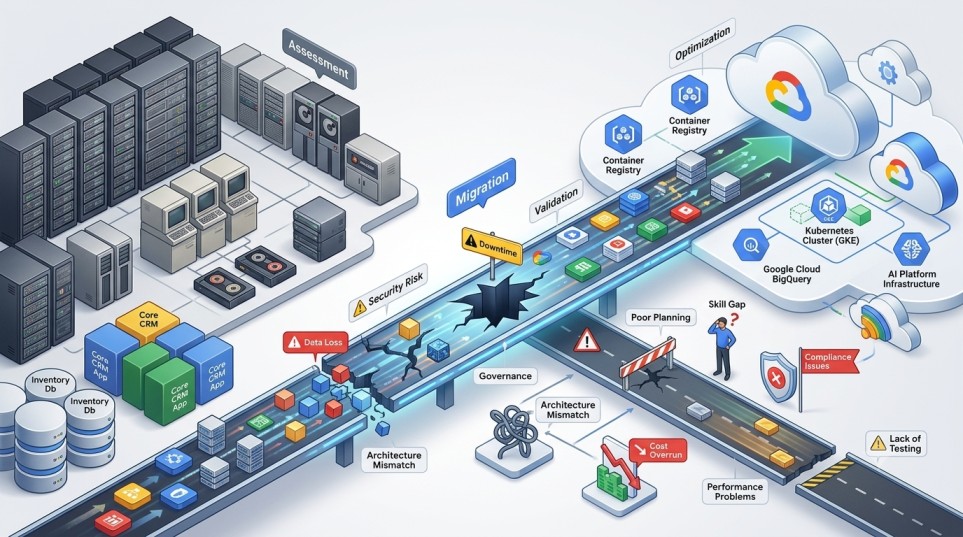
Generative AI is quickly moving from experimentation to product development. For SaaS companies, the question is no longer whether AI can be added to the product. The more important question is where it can create measurable value without increasing infrastructure costs, security risks, or operational complexity.
For Indian SaaS platforms, this becomes particularly important as products scale across customers, languages, data volumes, and workloads. A customer-support assistant, document-processing workflow, AI-powered search feature, or automated reporting system may start as a small proof of concept but eventually become part of a production application.
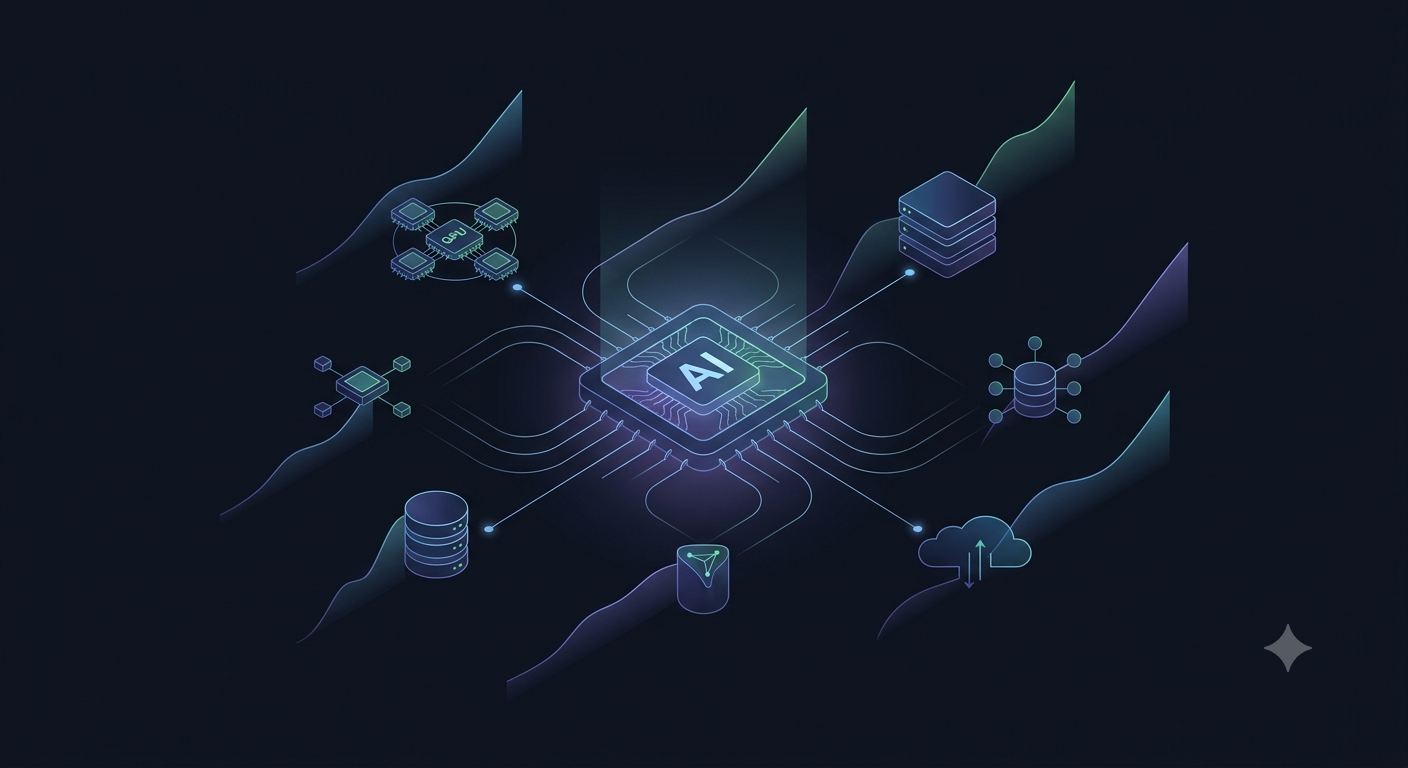
Google Cloud’s Vertex AI provides a managed platform for building and deploying generative AI applications. It gives development teams access to Google’s Gemini models and other models through Model Garden, while providing the surrounding infrastructure needed to move from experimentation toward production.
The challenge is not simply connecting an LLM API to a SaaS application. A production implementation needs the right architecture, data strategy, security controls, cost model, and operational process.
The first step should not be selecting a model. It should be identifying a workflow where AI can improve an existing business process.
For an Indian SaaS company, common opportunities include:
| SaaS Function | Potential GenAI Use Case |
| Customer Support | AI support assistant, ticket summarization, response generation |
| Product Search | Natural-language search across product information |
| Documentation | Automated documentation and knowledge assistants |
| Sales | Proposal generation, account research, meeting summaries |
| Analytics | Natural-language explanations of business metrics |
| Operations | Automated report generation and workflow assistance |
| Document Processing | Extracting and summarizing information from documents |
| Developer Tools | Code assistance, documentation and troubleshooting |
| Customer Onboarding | Guided setup and conversational product assistance |
The best candidates usually have three characteristics: a large amount of repetitive work, relatively clear success criteria, and data that the company can legitimately use for the application.
For example, reducing the time required for a support agent to understand a customer issue may be easier to measure than trying to build a completely autonomous customer-service system.
Start with one workflow. Prove the value. Then expand.
A typical GenAI implementation does not replace the existing SaaS architecture. Instead, an AI layer is added alongside the application’s existing services.
A simplified architecture can look like this:
SaaS Application → Application/API Layer → AI Orchestration Layer → Vertex AI → Enterprise Data Sources
The application handles the user experience and business logic. The AI orchestration layer determines what information should be sent to the model, which model should be used, and how the response should be handled.
Enterprise data can come from databases, cloud storage, documentation systems, analytics platforms, or other approved sources.
This separation is important because the AI model should not automatically receive unrestricted access to the entire SaaS environment.
The application should decide:
This turns generative AI from a standalone experiment into a controlled application component.
Do not begin by asking, “Where can we use Gemini?”
Instead, ask:
Which existing workflow is expensive, slow, repetitive, or difficult for customers or employees?
For example, suppose a SaaS platform receives thousands of support tickets every month.
The initial implementation could use AI to summarize incoming tickets and suggest responses.
The next stage could classify the tickets and retrieve relevant documentation.
Only after these stages are reliable should the company consider allowing the system to respond automatically.
This creates a progression:
Assist → Recommend → Automate
It also makes the business case easier to measure.
Useful metrics might include:
Model selection should be based on the workload rather than simply choosing the most powerful available model.
A SaaS platform may have different AI workloads requiring different levels of capability, latency, and cost.
For example:
| Requirement | Model Strategy |
| Simple classification | Smaller, lower-cost model |
| Summarization | Cost-efficient general-purpose model |
| Conversational assistant | Balanced performance and latency |
| Complex reasoning | More capable reasoning model |
| High-volume processing | Optimized model with predictable throughput |
Vertex AI provides access to Google’s Gemini family as well as other models through Model Garden, allowing teams to evaluate different options rather than designing the entire application around a single model.
This flexibility is particularly useful for SaaS businesses where AI usage can increase rapidly after a feature becomes popular.
A model that is affordable during a 1,000-request proof of concept may require a very different cost strategy at 10 million requests.
A model becomes much more useful when it can work with the company’s approved business context.
Consider a SaaS knowledge assistant.
Sending only:
“How do I configure this feature?”
may produce a generic answer.
Instead, the application can retrieve the relevant product documentation and provide that context to the model.
This is where retrieval-augmented generation (RAG) becomes useful.
A simplified workflow is:
User Question → Retrieve Relevant Information → Add Context → Vertex AI Model → Generated Response
The model generates the answer using the retrieved information rather than relying entirely on its general training knowledge.
For SaaS platforms, this can be particularly useful for:
However, retrieval must respect tenant and user permissions.
A multi-tenant SaaS application should never allow a retrieval system to return Customer A’s information when Customer B asks a question.
Data isolation must remain an application-level responsibility.
This is one of the most important architectural considerations for SaaS companies.
A SaaS platform may serve hundreds or thousands of organizations from the same underlying infrastructure. Introducing GenAI creates another path through which customer information can potentially be processed.
The AI architecture therefore needs to preserve tenant boundaries.
For every AI request, the system should be able to determine:
Who is making the request?
Which organization do they belong to?
What information can they access?
What information can be retrieved?
What information can be sent to the model?
The model should not be responsible for making these authorization decisions.
For example:
User → Authentication → Tenant Authorization → Data Retrieval → AI Processing → Response
rather than:
User → AI Model → Decide What Data the User Can See
The first approach keeps authorization within the application architecture, where it can be enforced consistently.
Not every piece of customer data needs to be sent to an AI model.
Before implementing a GenAI workflow, classify the information involved.
For example:
Low sensitivity: public documentation, product descriptions, generic FAQs.
Medium sensitivity: internal operational information, support tickets, business reports.
High sensitivity: credentials, financial information, personal information, confidential customer records.
The AI architecture should minimize unnecessary data transmission.
Instead of sending an entire database record to the model, retrieve only the fields required to answer the request.
This principle is simple:
Send the model the minimum information required to perform the task.
It reduces privacy exposure, improves prompt efficiency, and can also reduce token-related costs.
One of the common mistakes in GenAI implementations is treating the model as the entire application.
It is not.
The production architecture should typically include an orchestration layer between the SaaS application and Vertex AI.
That layer can manage:
This gives the SaaS team control over how AI is used.
It also makes it easier to change models later.
Google’s Gen AI SDK provides a unified interface for Gemini models across Google’s AI environments, which can help teams prototype and build applications without tightly coupling every application component to a single integration pattern.
A successful demonstration does not necessarily mean an AI feature is ready for customers.
Generative AI can produce incorrect, incomplete, or inappropriate responses. Production systems therefore need controls around the model.
For a customer-facing SaaS assistant, consider implementing:
Input controls
Detect malformed, abusive, or inappropriate requests before processing them.
Data controls
Prevent users from retrieving information outside their authorization scope.
Output controls
Validate generated responses before displaying or acting on them.
Business rules
Prevent the model from performing actions that require explicit approval.
Human escalation
Provide a route to a human when confidence is low or the request is sensitive.
For example, an AI assistant might be allowed to explain how a billing feature works but not independently issue a refund.
The distinction between generating information and taking action is critical.
AI costs can become unpredictable when usage grows.
A SaaS company should therefore measure AI consumption separately from its normal cloud infrastructure.
Track metrics such as:
Suppose an AI feature costs ₹0.50 per interaction.
At 1,000 interactions, that is only ₹500.
At 1 million interactions, the same economics become ₹5 lakh.
The model therefore needs to be evaluated against the expected business value, not simply whether the prototype works.
Cost optimization can include using smaller models for simple tasks, limiting unnecessary context, caching appropriate results, controlling maximum output size, and routing different workloads to different models.
Traditional software testing is not enough for generative AI.
An AI feature should have its own evaluation framework.
Create a representative dataset of real-world questions and expected outcomes.
Then measure:
For example, if a customer-support assistant answers 1,000 test questions, the team should know how often it provides an acceptable answer before releasing it to customers.
Evaluation should also continue after launch.
Customer questions change. Product documentation changes. Models change. Prompts change.
AI quality therefore needs continuous monitoring rather than a one-time test.
A practical rollout for an Indian SaaS company can follow four stages.
Choose one narrow use case.
Use a small dataset and limited users.
The objective is to establish whether AI can solve the problem effectively.
Integrate the AI capability into the actual SaaS application.
Introduce authentication, tenant isolation, logging, cost monitoring, and basic guardrails.
Test it with a controlled group of customers or employees.
Make the feature available to a wider customer base.
Introduce stronger monitoring, rate limits, fallback mechanisms, evaluation pipelines, and operational ownership.
Optimize model selection, infrastructure, retrieval, prompts, and costs.
At this stage, AI becomes a normal part of the SaaS platform rather than an experimental project.
Before putting a GenAI feature into production on Google Cloud, ask:
If several of these answers are unclear, the implementation is probably still at the experimentation stage.
For many SaaS businesses, the first GenAI implementation should not be an ambitious autonomous agent.
A better starting point is usually an existing workflow where AI can augment people.
For example:
Support teams: summarize tickets and recommend responses.
Sales teams: summarize meetings and prepare follow-ups.
Customers: search product documentation using natural language.
Operations: turn structured data into readable reports.
Developers: generate documentation and assist with troubleshooting.
These applications have a clearer path from technical implementation to business value.
Once the organization understands its AI costs, data flows, evaluation process, and operational requirements, it can move toward more sophisticated AI agents and automated workflows.
For Indian SaaS companies, Generative AI should not be treated as a feature that is added simply because competitors are talking about it.
The more valuable approach is to treat AI as another layer of the product architecture.
Google Cloud’s Vertex AI provides the model access and platform capabilities needed to build generative AI applications, but the quality of the final solution still depends heavily on the architecture around it.
The companies that benefit most will not necessarily be those using the largest model.
They will be the ones that identify the right workflows, protect customer data, control AI costs, evaluate outputs continuously, and integrate AI into their existing product experience.
For a SaaS platform, the goal is not simply to “add AI.”
It is to build an AI capability that customers will actually use, that the business can afford to operate, and that can scale safely as the product grows.